Markdown-based Websites — the complete guide
How to build and publish a real website from plain markdown files: the architecture, the tools, and the underrated superpower that markdown supports HTML.

Markdown-based Websites
This is the flagship use case, and the one where the markdown-based approach most clearly wins. A website built from markdown files is one you fully own, can edit anywhere, version with git, and move between tools. And these days it's genuinely easier than wrestling a CMS.
This is a guide-of-guides. Several parts; work through what you need.
Part 1: What is a markdown-based website?
A folder of markdown files plus a tool that turns them into web pages. That's the whole architecture. index.md becomes your home page, about.md becomes /about, folders become sections.
Compare the alternatives. WordPress: a database, a server, plugins, security updates, forever. Squarespace: a subscription, and a format you can never leave. Here, the "database" is files you can read in any editor, and the website is just a view of them. Delete the publisher and you still have everything.
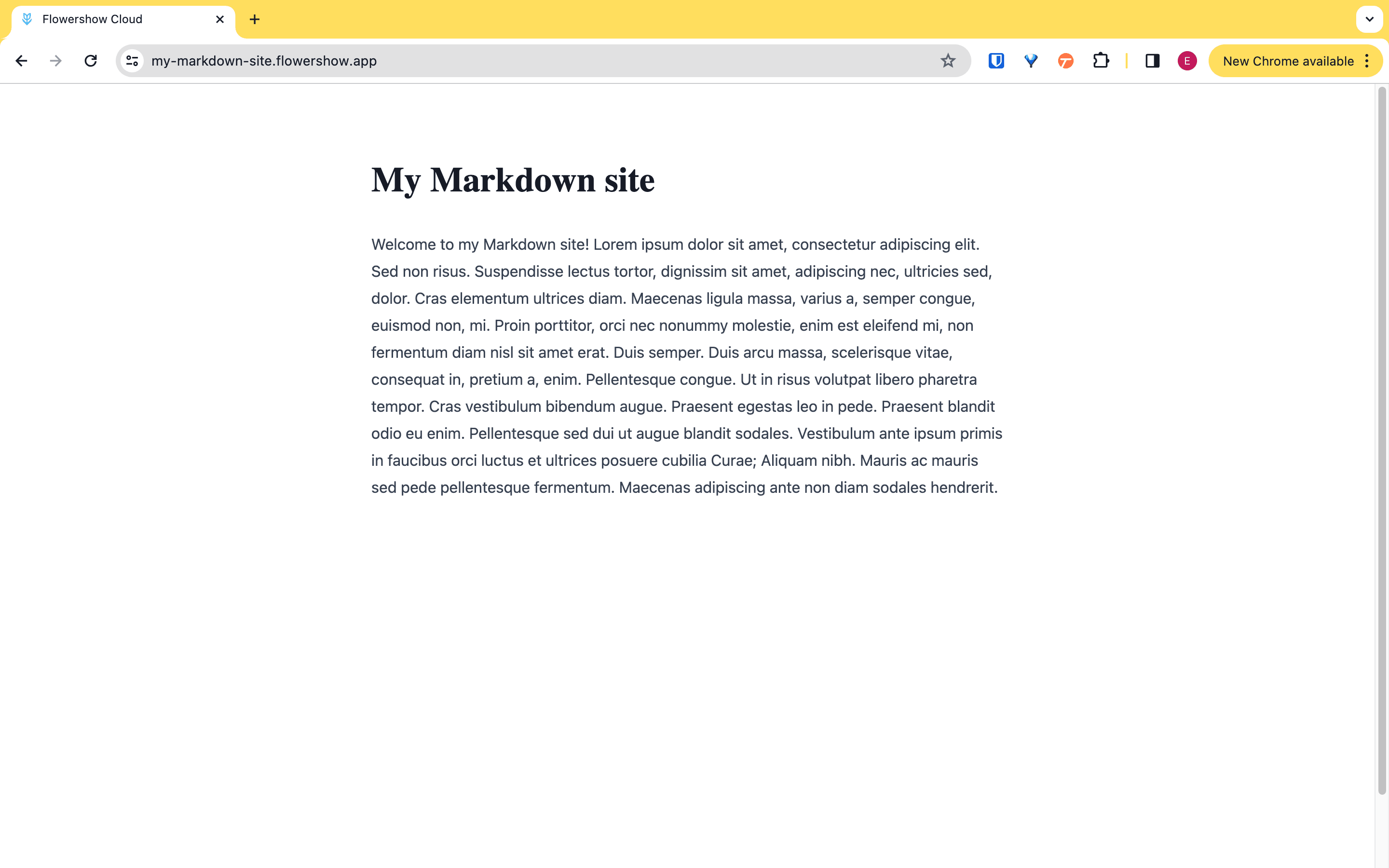
Fastest start: the tutorial series takes you from zero to a published site. Create a GitHub repo, connect a publisher, done in minutes. No code, nothing to install. Here's the actual result of tutorial 1 — a markdown file, live on the web:
Part 2: The superpower nobody tells you about: markdown supports HTML 🦸
This changes what you think markdown websites can be, so let's spell it out.
Markdown isn't a walled garden that ends where the syntax ends. HTML is valid markdown. Drop a <div>, an <iframe>, a styled block right into your .md file and it renders. Which means:
- Fancy landing-page hero? Two-column layout? Embedded video or map? Write the HTML inline, in an otherwise plain markdown page.
- With a publisher that allows CSS frameworks (Flowershow supports Tailwind, for instance) you can style right in the markup.
- Your site can be 95% simple prose and 5% rich HTML exactly where it earns its keep. You never hit the wall that forces you to "graduate" to a code project.
And the 2026 twist: you don't even need to know HTML, because AI writes it fluently and AI speaks markdown. Describe what you want, paste the result into your page. Watch it done on a real site:
Part 3: The tools
The stack has three slots, each replaceable:
- Edit: any text editor. Obsidian if you want a lovely writing environment; VS Code if you're technical; the GitHub web editor if you want zero install.
- Store and collaborate: a git repository, usually GitHub. Free hosting of your files with full history, plus branches and reviews when a team shows up (tutorial).
- Publish: the part that turns files into a site. Flowershow is ours and built for exactly this: point it at a repo, or publish straight from Obsidian, or from the command line. The wider ecosystem includes Hugo, Jekyll, Astro, Eleventy and MkDocs. Your content doesn't care which you pick. That's the point.
Part 4: Going deeper
- Tutorial 1: create a website from scratch, the full hand-held walkthrough
- Tutorial 2: edit locally with Obsidian and GitHub Desktop
- Sibling guides: blogs · docs sites · digital gardens
Why bother (the one-paragraph case)
In five years your Squarespace site will be a subscription you resent, and your WordPress site will be a maintenance chore. Your markdown site will be a folder of text files, still working, published by whatever the best tool is in five years. Own the source.
